ResultsZA for Android
South African lottery results on your phone. Save the numbers you play and the app checks them after every draw, shows what you won, and lets you know when the results are in.
Download the app
Watch the app
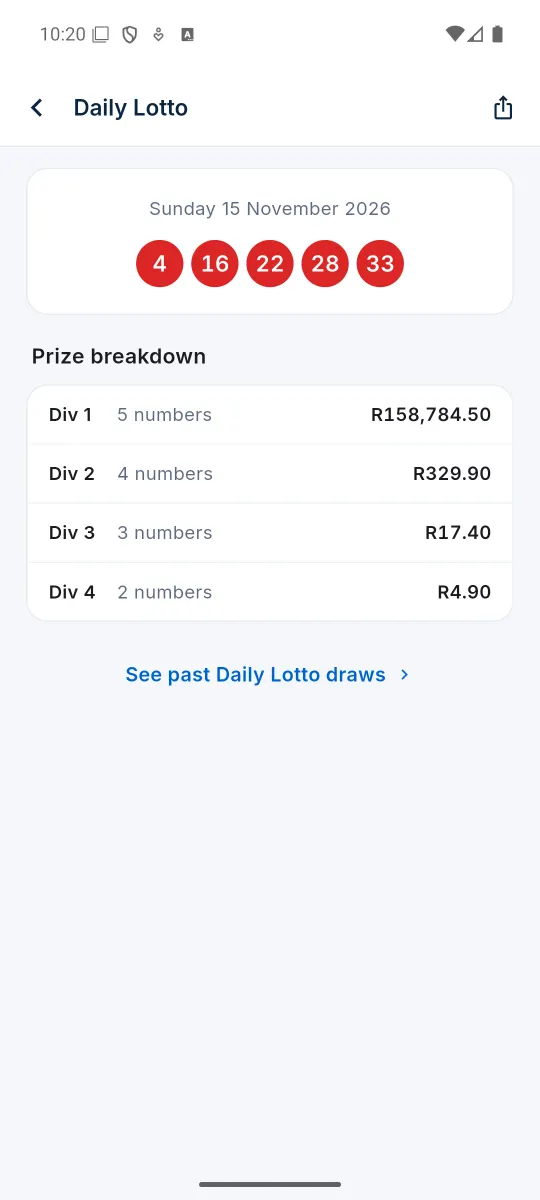
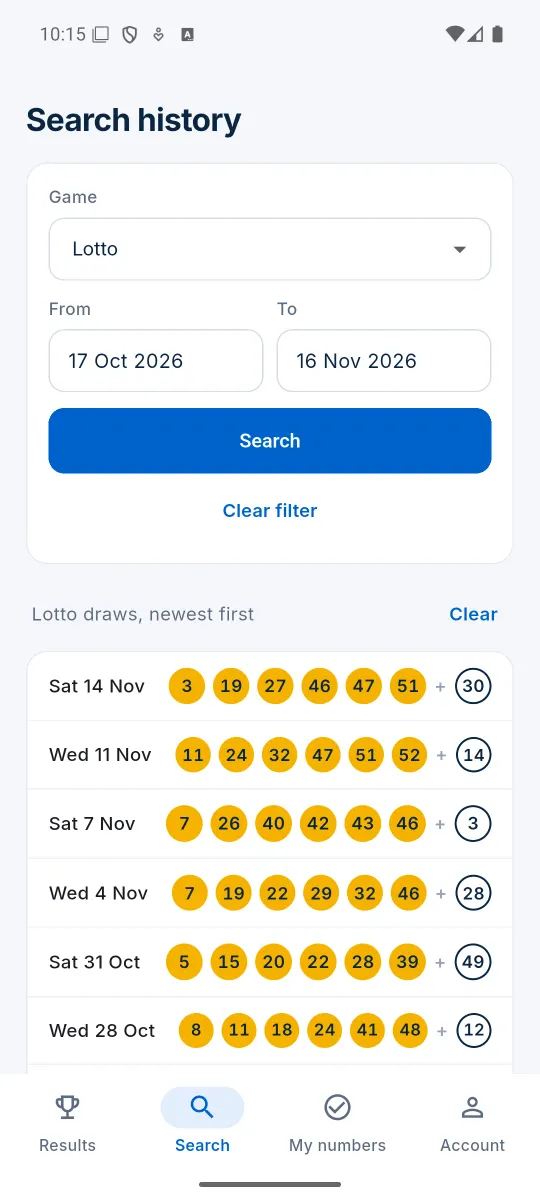
Half a minute in the real app: the latest results, a full prize breakdown, past draws and your numbers checked for you.
- Results the moment they are drawn
- What every division paid
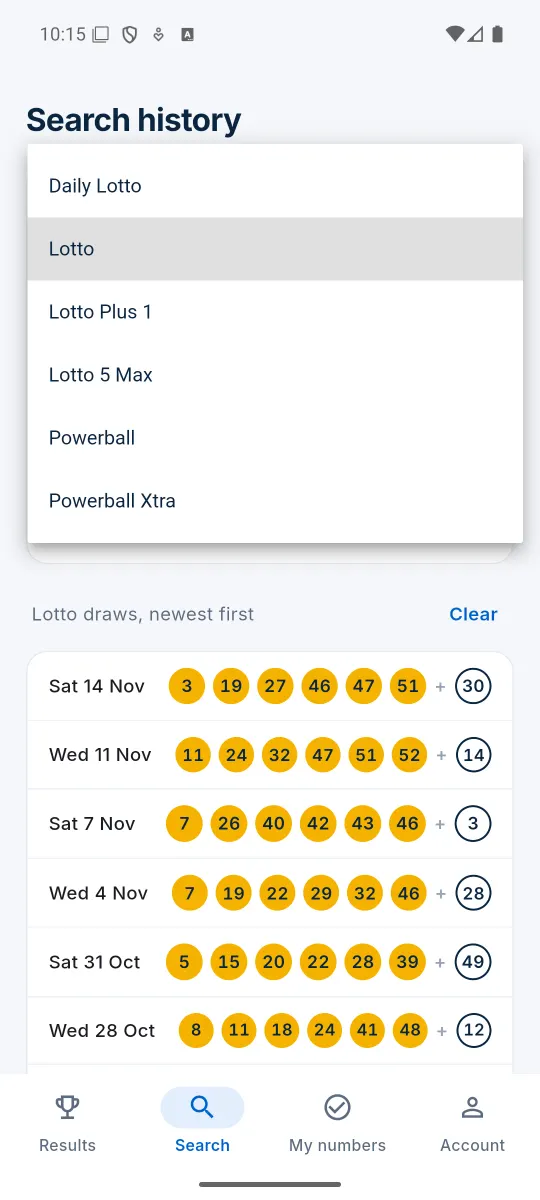
- Any past draw by game and date
- Your lines checked after every draw
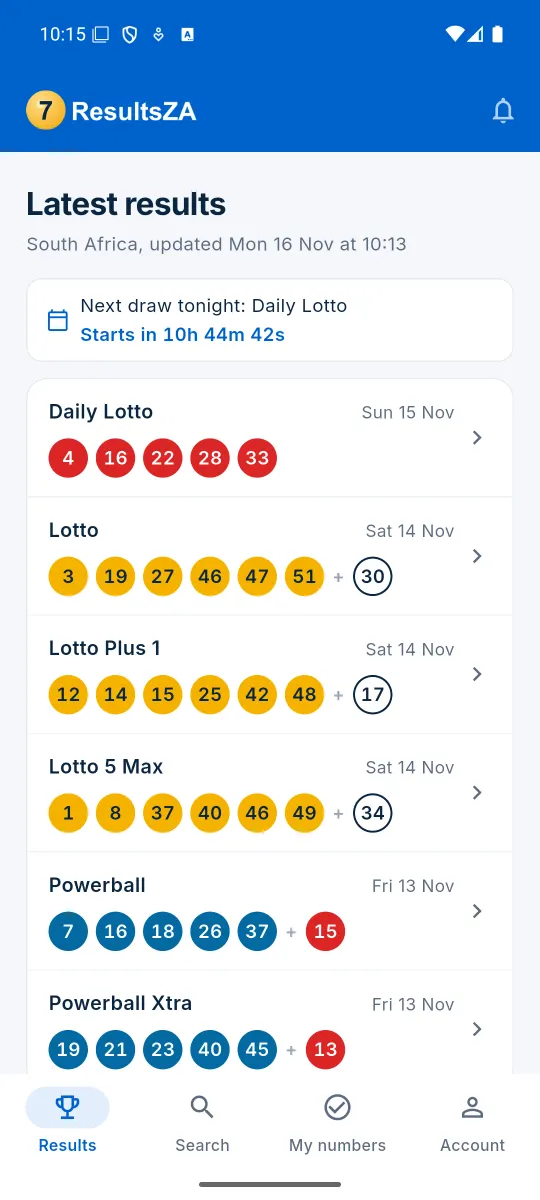
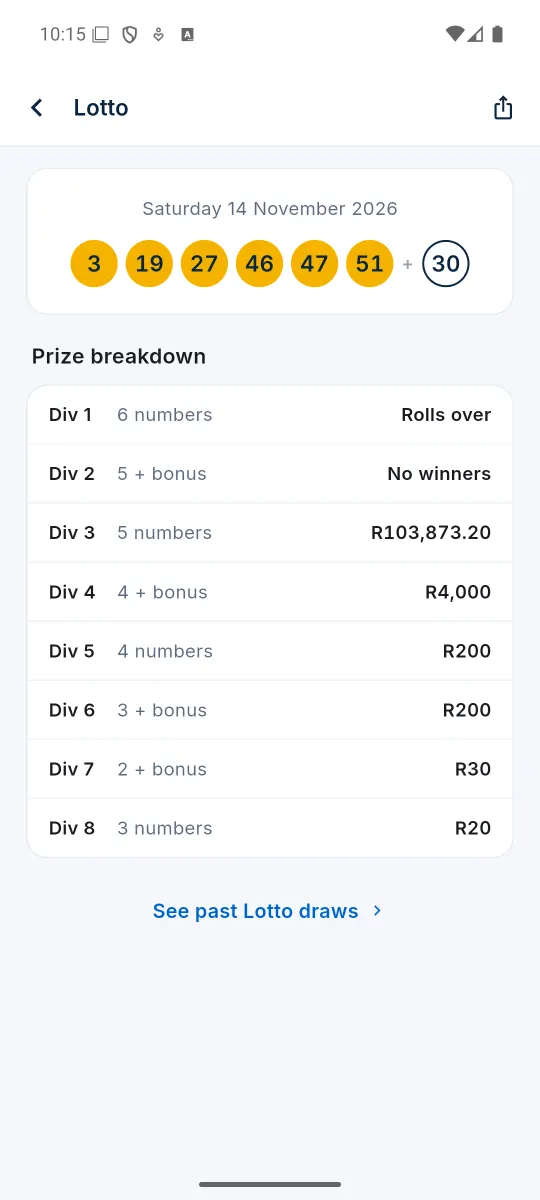
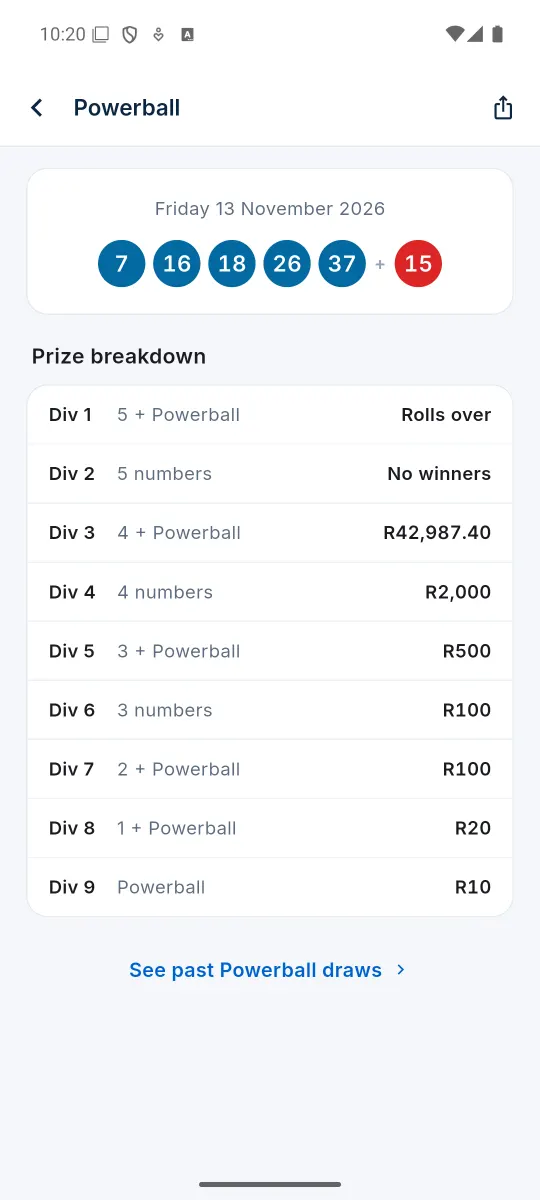
Results
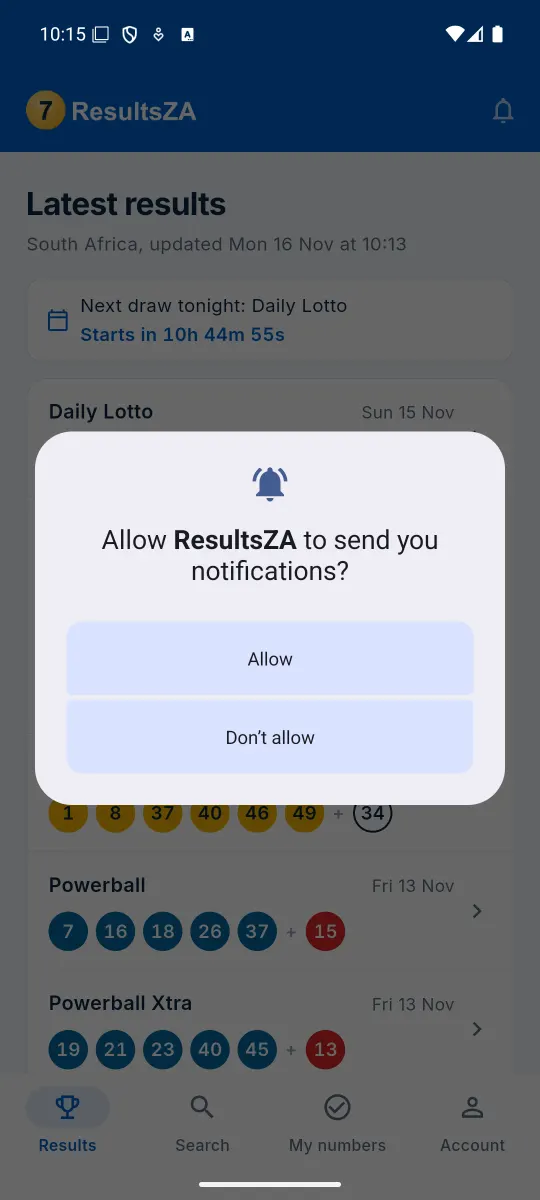
Every South African game, the moment it is drawn. Swipe for more Tap or click a screenshot to see it larger.
Getting started
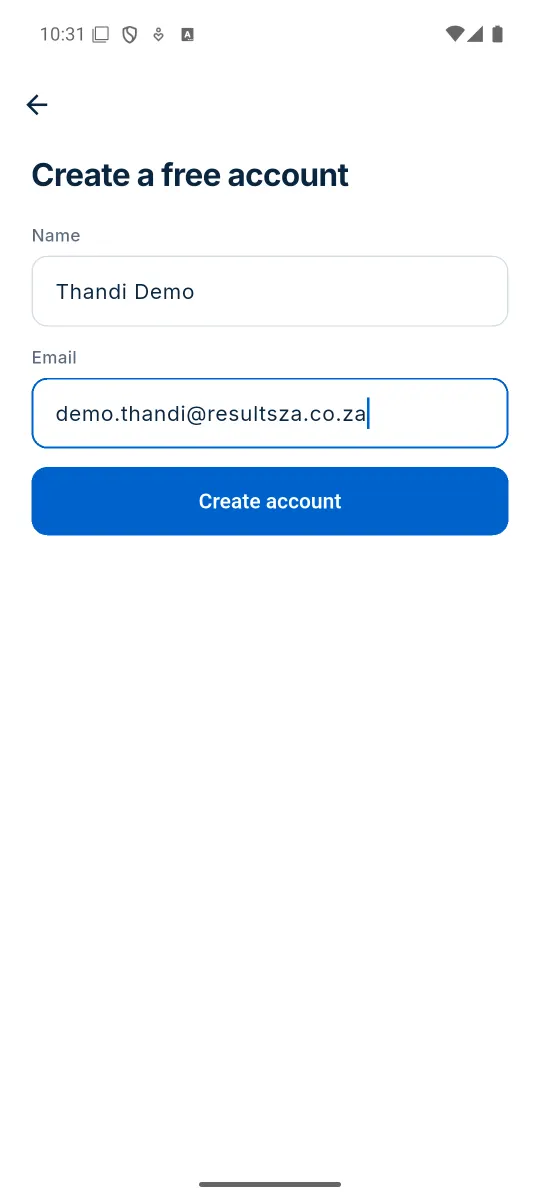
Create a free account, then add Number Checker in a few taps. Swipe for more Tap or click a screenshot to see it larger.
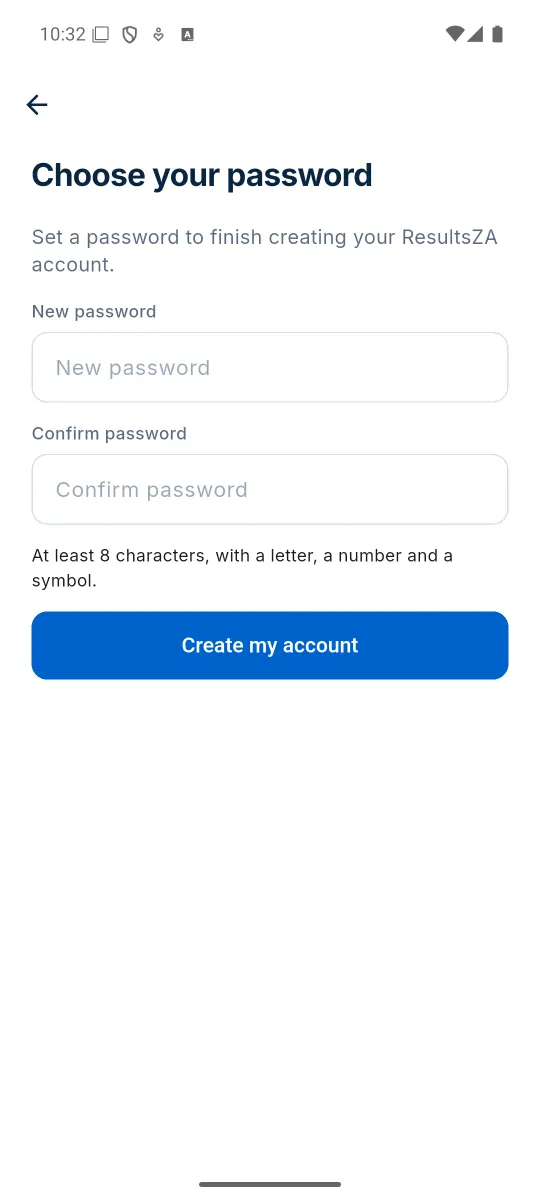
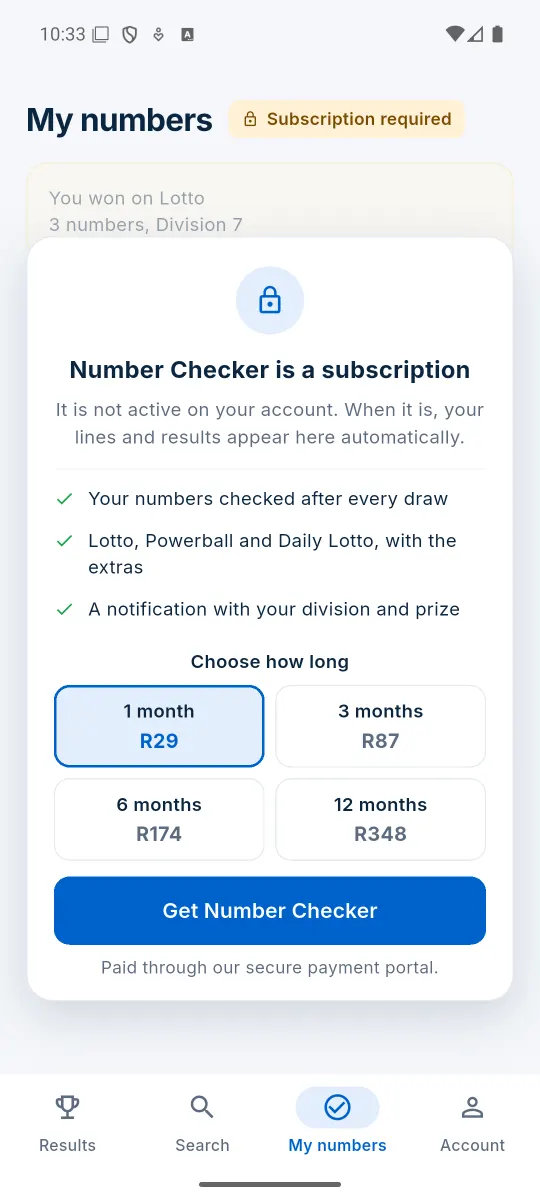
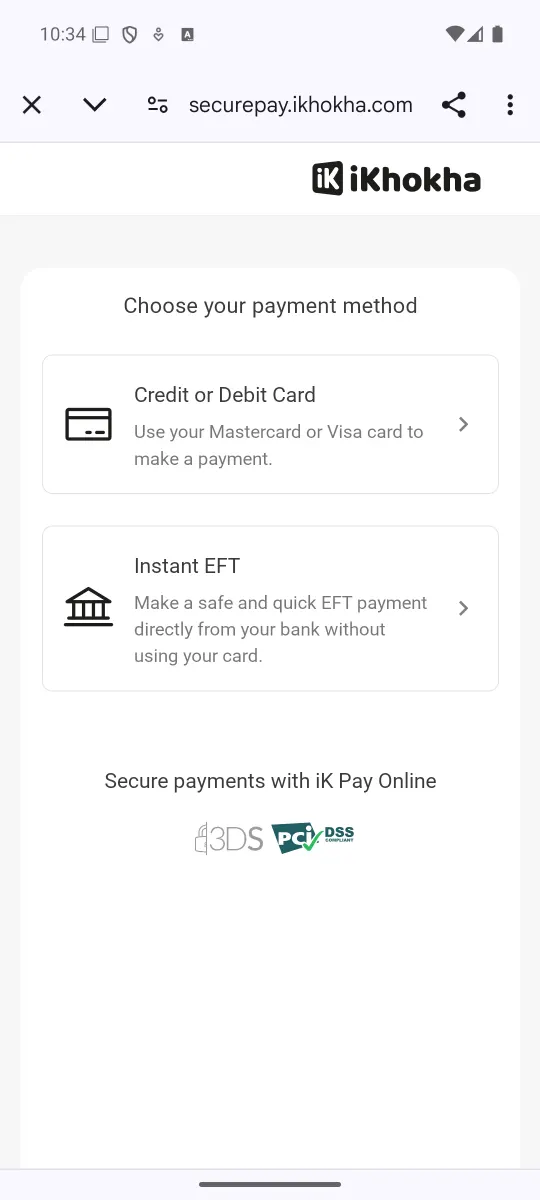
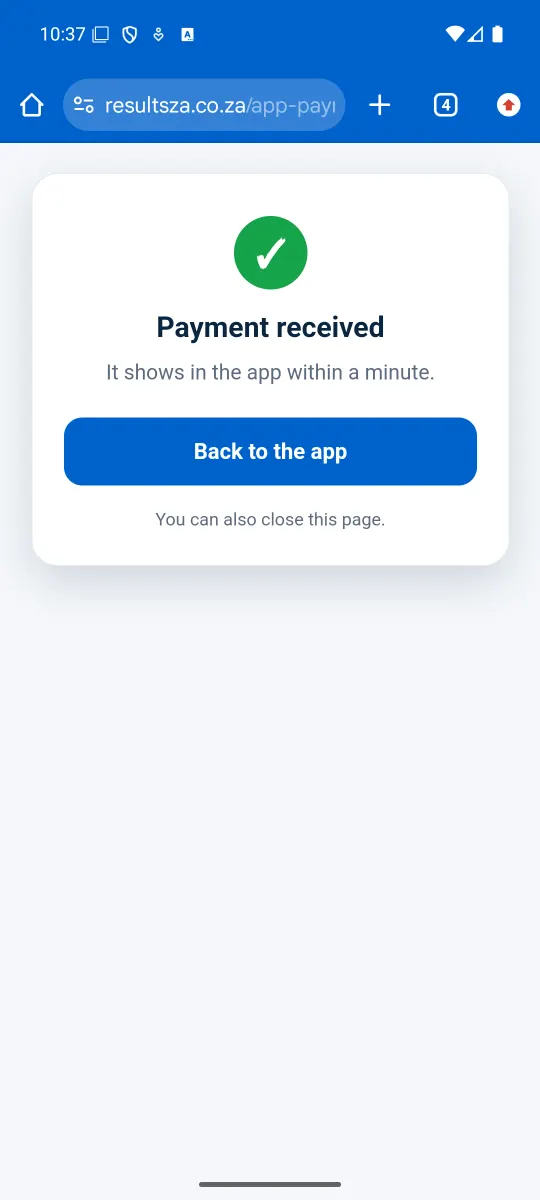
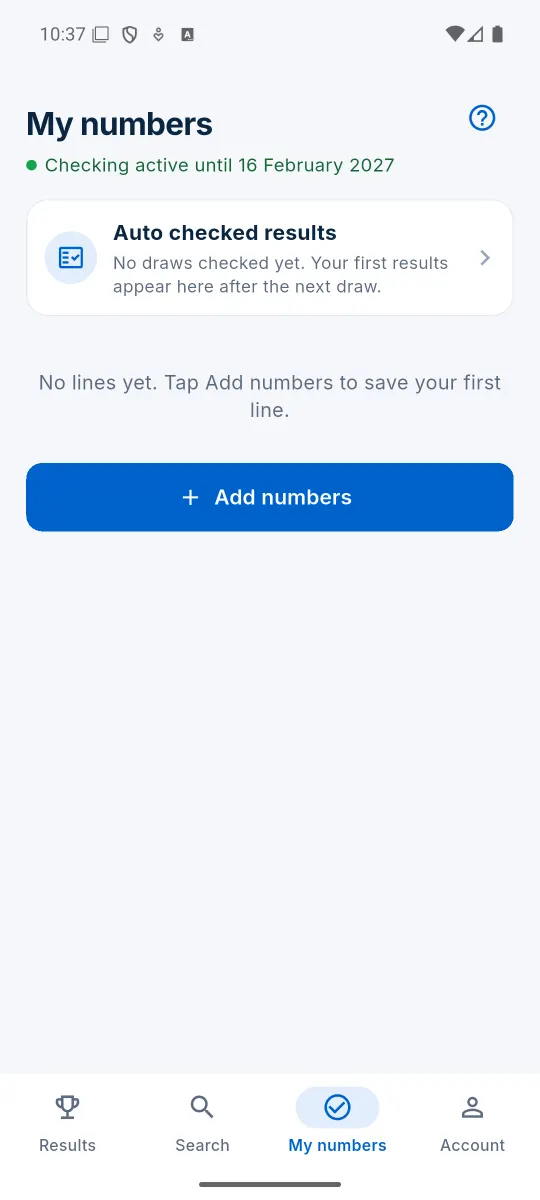
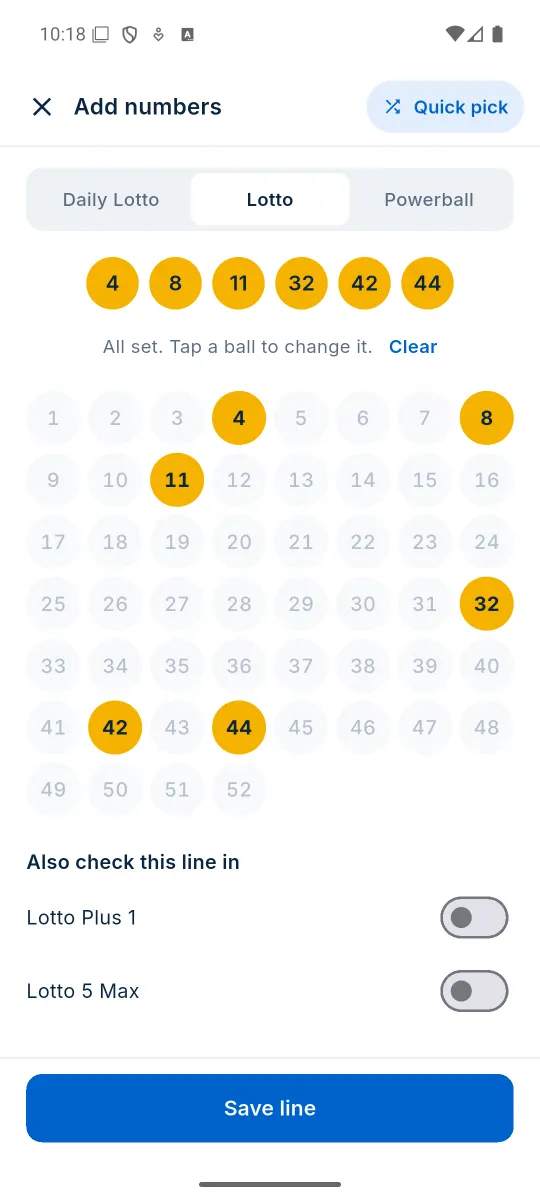
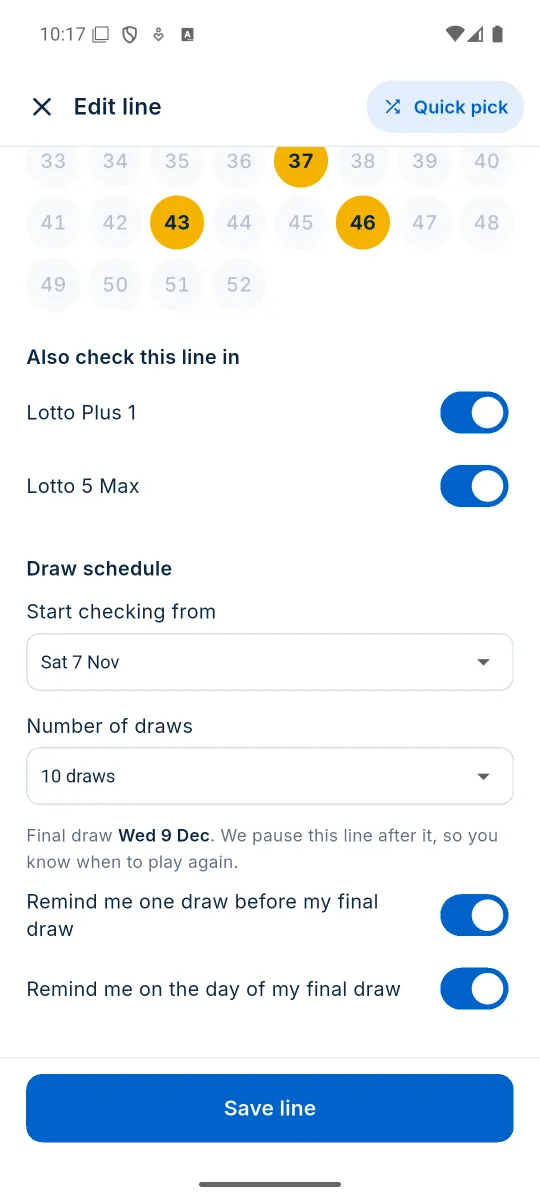
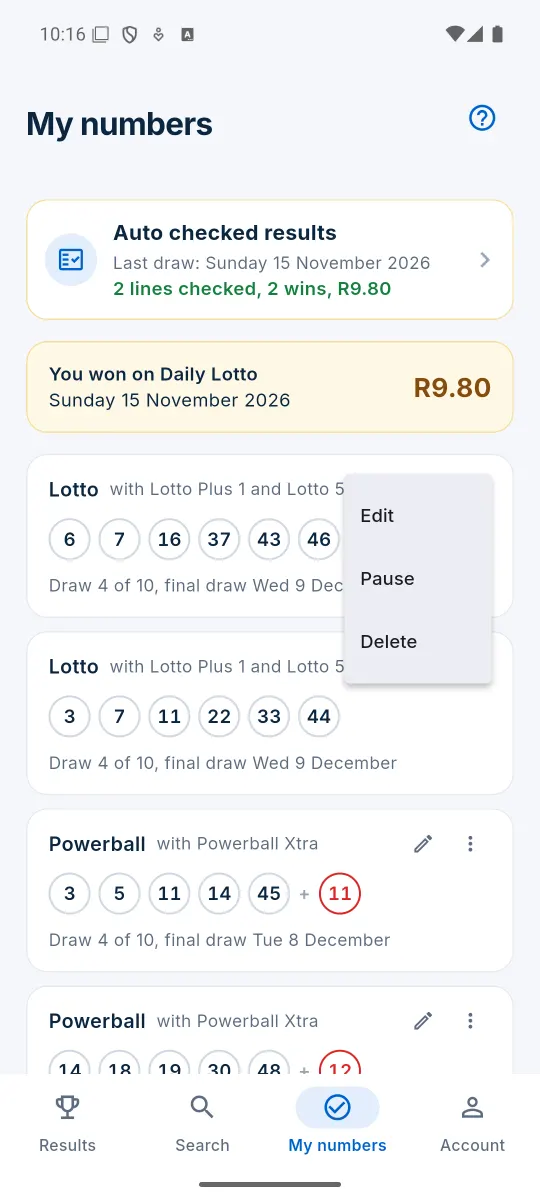
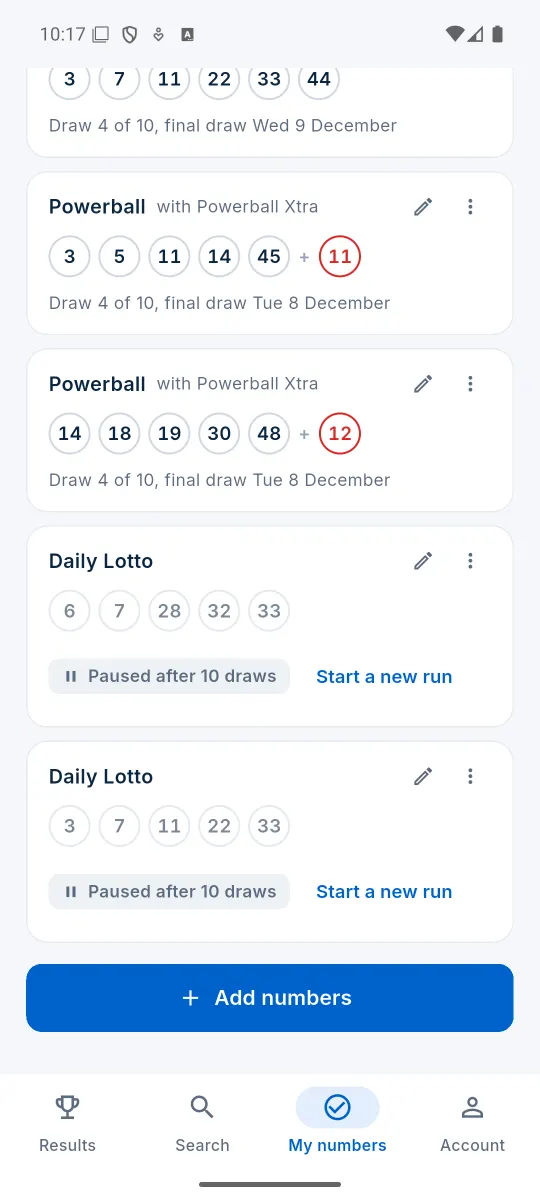
Number Checker
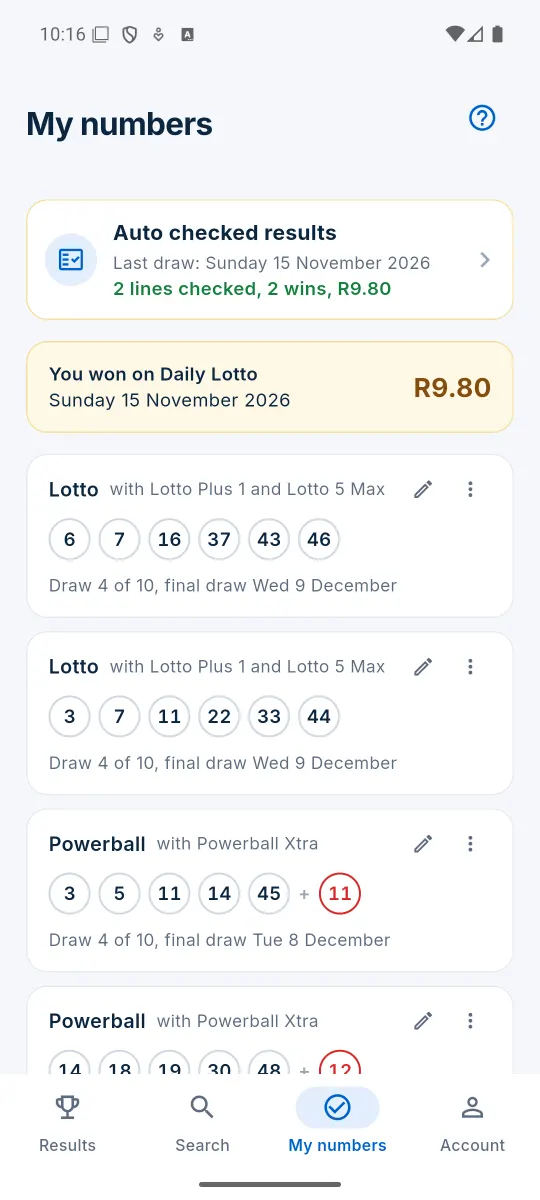
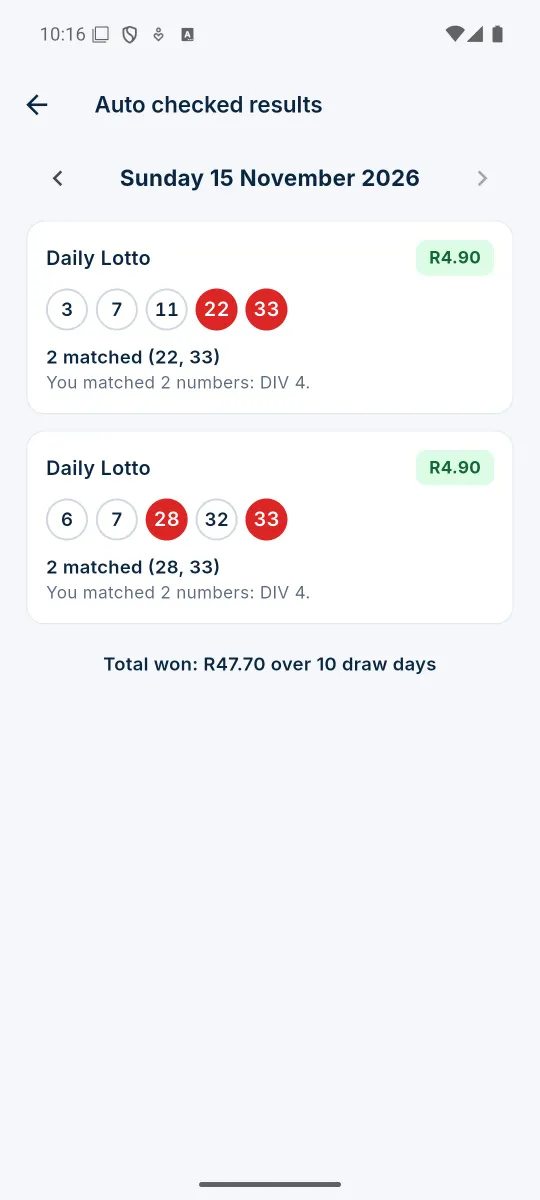
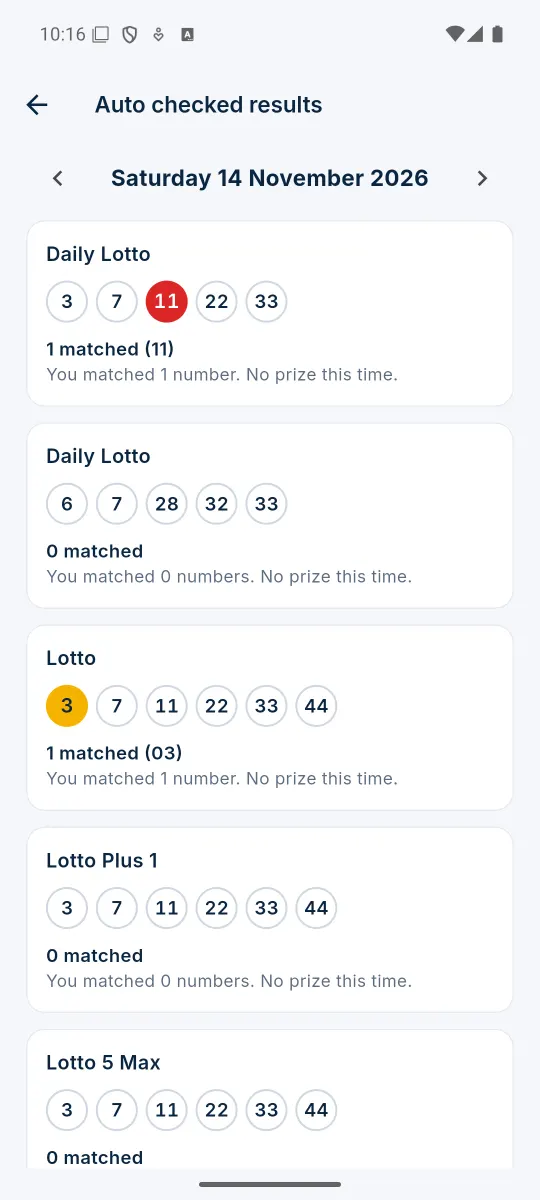
Save the numbers you play. The app checks every draw for you. Swipe for more Tap or click a screenshot to see it larger.
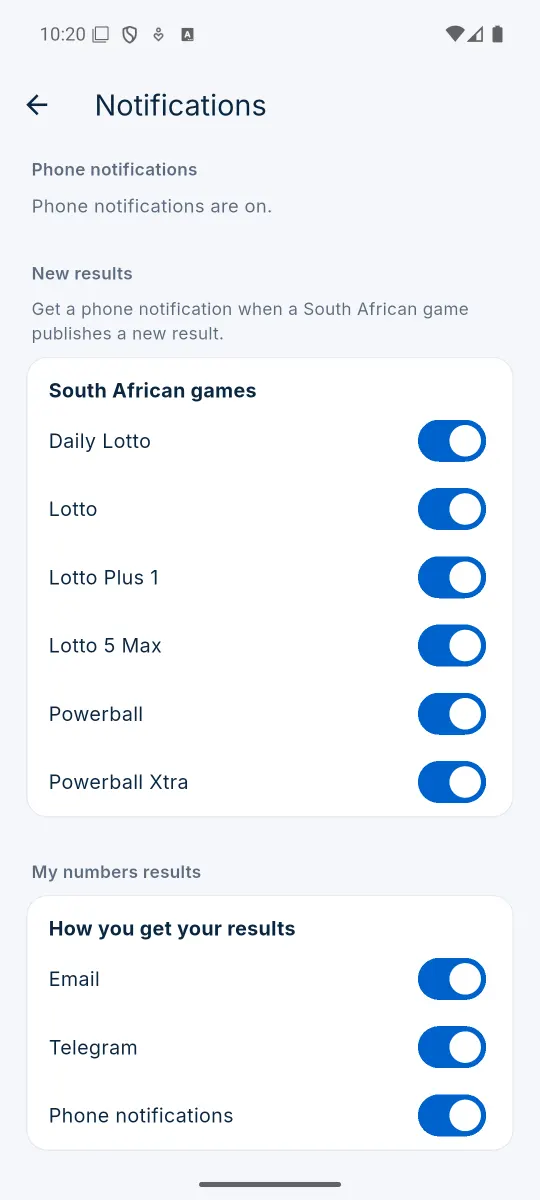
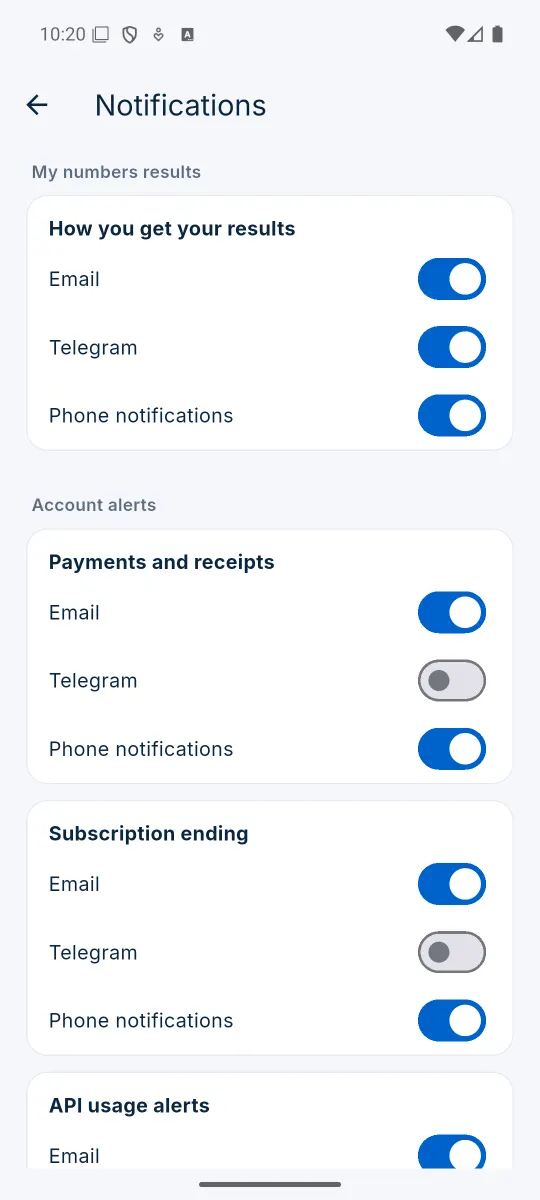
Notifications and more
Hear about results your way, and manage everything in one place. Swipe for more Tap or click a screenshot to see it larger.
What the app does
Made for South African lotto players.
Latest results
Every South African game with the full prize breakdown, and older draws by game and date.
Number Checker
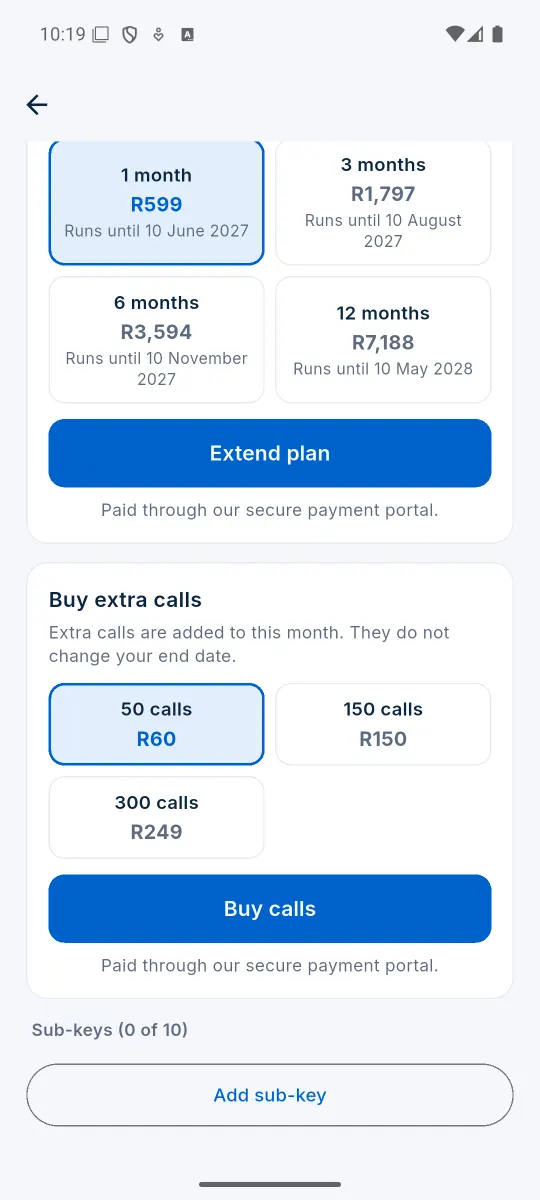
Save your lines and see after every draw how many numbers matched and how much you won. A monthly subscription, for 1, 3, 6 or 12 months at a time.
Notifications
Hear about new results by phone notification, email or Telegram.
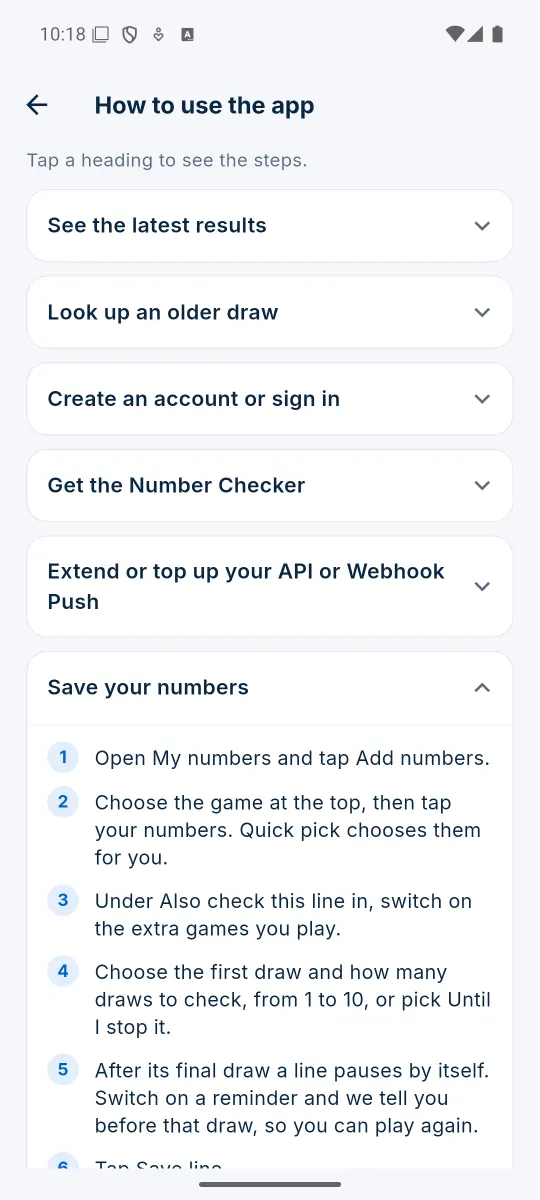
Built-in guide
Step by step help for everything in the app, any time you need it.
How to install it
It takes about a minute. The app is not on the Play Store, so Android asks you to allow it once.
- Open this page on your Android phone and tap Download the app. If your browser asks whether to keep the file, tap Download anyway.
- When the download is finished, tap Open. You can also find the file in your phone's Downloads.
- The first time, your phone says it is not allowed to install apps from this source. Tap Settings, switch on Allow from this source (see the picture below), then go back.
- Tap Install (or Update), then Open.
- Sign in with Continue with Google, or create a free account with your email address.
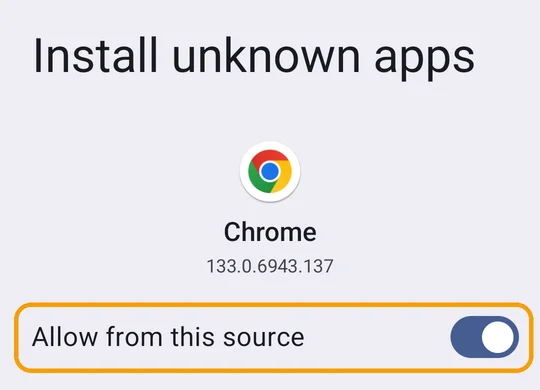
Switch on Allow from this source
Android only installs apps from the Play Store until you allow another source. You do this once, for the browser you downloaded with (Chrome, Samsung Internet or another).
If the switch screen does not open by itself, go to your phone's Settings, search for Install unknown apps, tap your browser and switch on Allow from this source.
When there is a new version, the app tells you and brings you back here. Install it over the old one: you stay signed in and your saved numbers are kept.
On iPhone? App coming soon
We are working on an iPhone app. Until it is ready, add ResultsZA to your home screen: it opens from its own icon, like an app, and you can use Number Checker and get your results as notifications.
- Open resultsza.co.za in Safari on your iPhone.
- Tap the Share button .
- Scroll down, tap Add to Home Screen, then Add.
- Open ResultsZA from your home screen and log in.
- For results on your phone, open My Dashboard, then Notifications, and tap Turn on push. This needs iOS 16.4 or later.
Scanned clean
Version 1.0.8 was checked by 67 security scanners on VirusTotal. None of them flagged it.

Check the file (optional)
If you want to be sure the file is ours and arrived complete, its SHA-256 checksum is:
2fd7e7882a5422df62793993325b18b3e1f768a7d5eea0dd7bb729a9ca82941d
Questions or trouble installing? Email info@resultsza.co.za and we will help.
The Android robot is reproduced or modified from work created and shared by Google and used according to terms described in the Creative Commons 3.0 Attribution License. Android is a trademark of Google LLC. Apple, iPhone and Safari are trademarks of Apple Inc.